Bin Lookup is reserved for a Warehouse location with Bins. Use Bin Lookup to view the contents of a bin or to Cycle Count the contents of a bin for inventory accuracy.
Using Bin Lookup
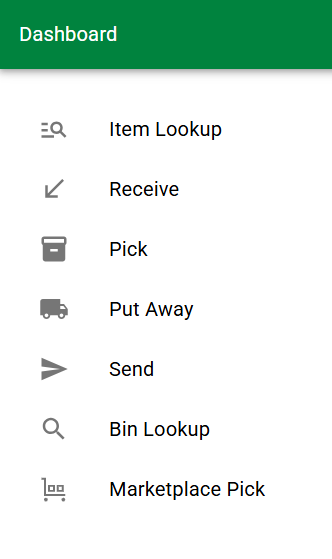
- Tap Bin Lookup
- A Bin Code search bar will appear:
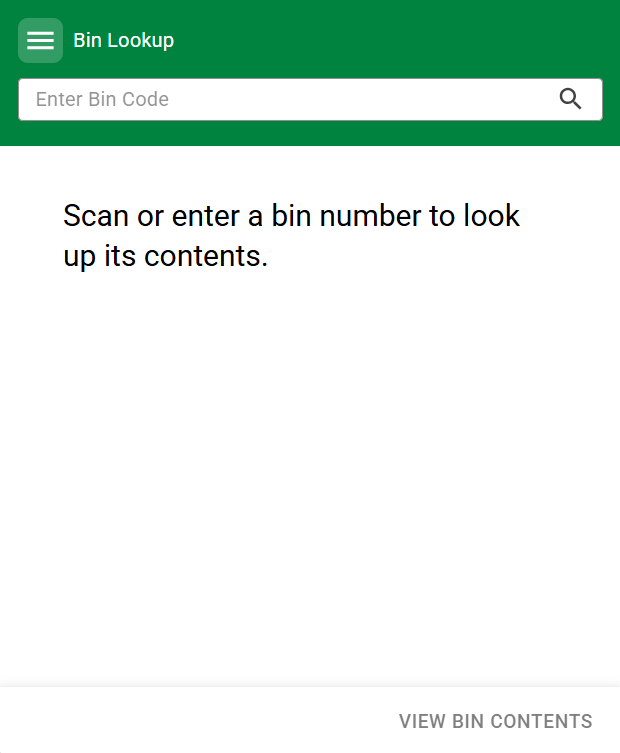
- A Bin Code search bar will appear:
- Scan your Bin Code or key it into the search box and tap the enter key or search icon
- The Bin Lookup - Overview screen will show bin information similar to what Warehouse Bin Management in the application shows.
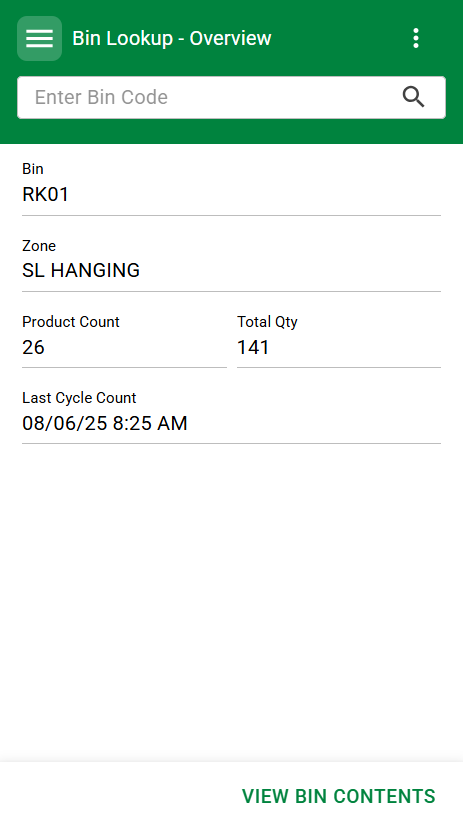
- The Bin Lookup - Overview screen will show bin information similar to what Warehouse Bin Management in the application shows.
- Click View Bin Contents
- All contents of the bin location will appear on screen. You can scroll through the list for review purposes, or update the quantities on each item using the pencil icon next to each item’s Quantity. Quantity is the only editable field/action available in this screen.
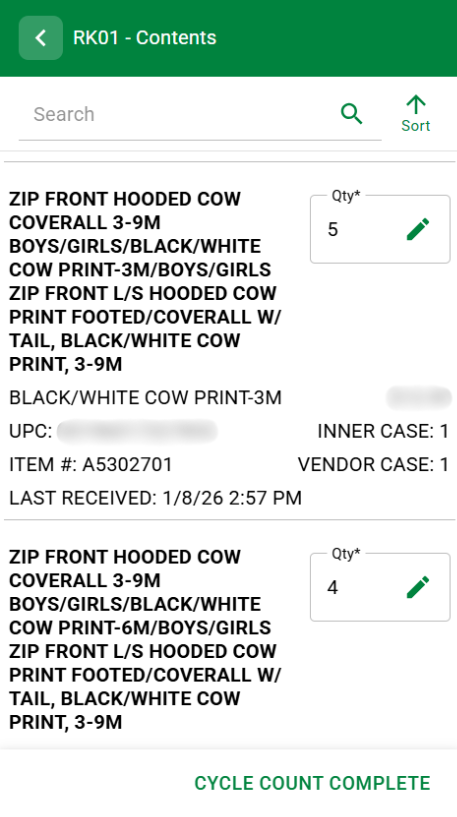
- You must tap Cycle Count Complete to update the quantity on hand of any items within the bin. If you back out without tapping Cycle Count Complete it will not Send or Receive the item in order update the item’s quantity on hand. If an item's quantity is not changed, no change will be made on the bin information. An increase to quantity on hand will reset the "Last Received" date to today. A decrease in quantity will show as a send but will not update the "Last Received" column of the bin information.
- All contents of the bin location will appear on screen. You can scroll through the list for review purposes, or update the quantities on each item using the pencil icon next to each item’s Quantity. Quantity is the only editable field/action available in this screen.
Add Item
If you are Cycle Counting a bin and locate an item that is there but was not in the list you can Add the item from this screen. It would be important to first see if the item was still in staging, was put into the wrong bin (maybe assigned to a location to the left, right, above, or below).
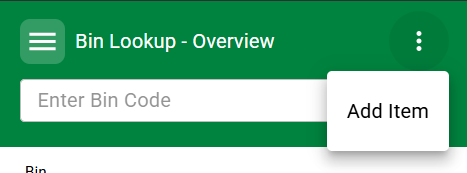
- If you need to add an item to the Bin Location, click the Ellipsis icon and choose Add Item.
- Scan the item barcode into the search box
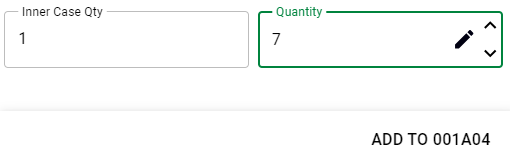
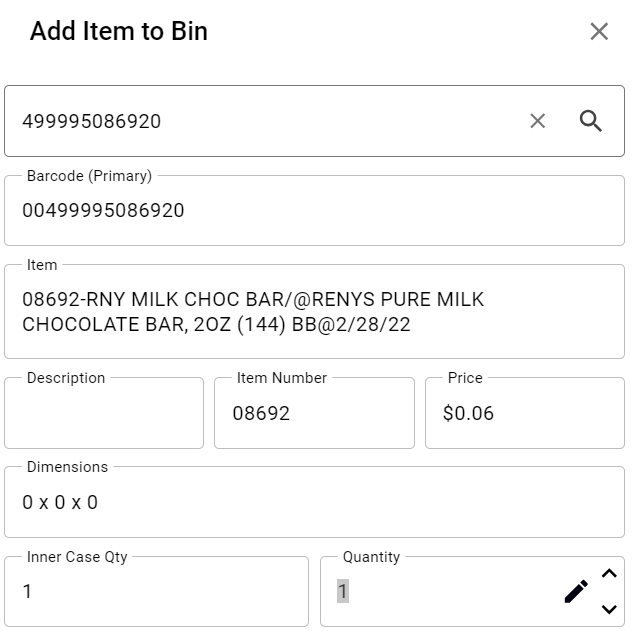 Edit the quantity as needed
- Tap Add item to [bin location code] in the lower right
You will be returned to the bin contents list and your item will appear in the list of items.
You do not need to Complete Cycle Count on this screen if no other quantities were altered.
Was this article helpful?
That’s Great!
Thank you for your feedback
Sorry! We couldn't be helpful
Thank you for your feedback
Feedback sent
We appreciate your effort and will try to fix the article