Features & Enhancements
Grooming package names on POS lines
When a grooming appointment has more than one package, each POS line and the popup now show that package's own name. Staff can see which package is which without opening the appointment.
Case quantity enforcement on Special Orders
Action Required
Company setting: Special Order Case Qty Enforcement
Default = Off.
New POS Special Order shows the item's Case Qty. It can warn or block when the order quantity isn't a multiple of the case, and offers to round up to the next full case. Virtual case items are skipped. This is specifically useful for Can items that need to be ordered from a vendor as full cases; this encourages the clerk to order a full case for the customer.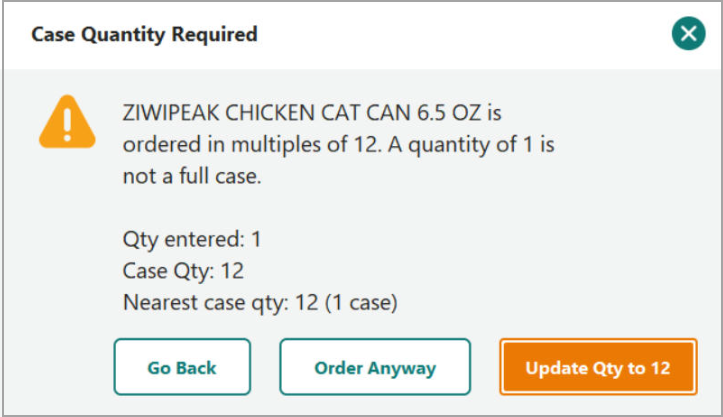
Confirm password when adding an employee
The Add Employee wizard now asks for the password twice to catch typos, and Change Password has a show-password option.
"Received" column in Order Center
A line-level Received column can be added from the Column Chooser on Search Orders and Orders (Active). You can see what has arrived without doing math between the order quantity and the left quantity.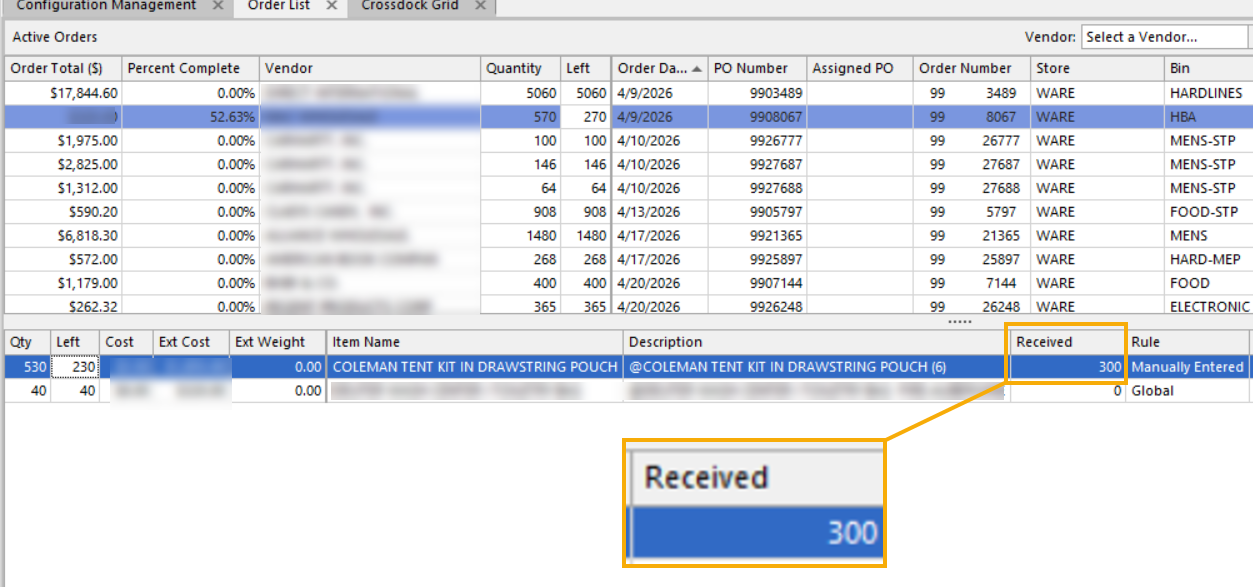
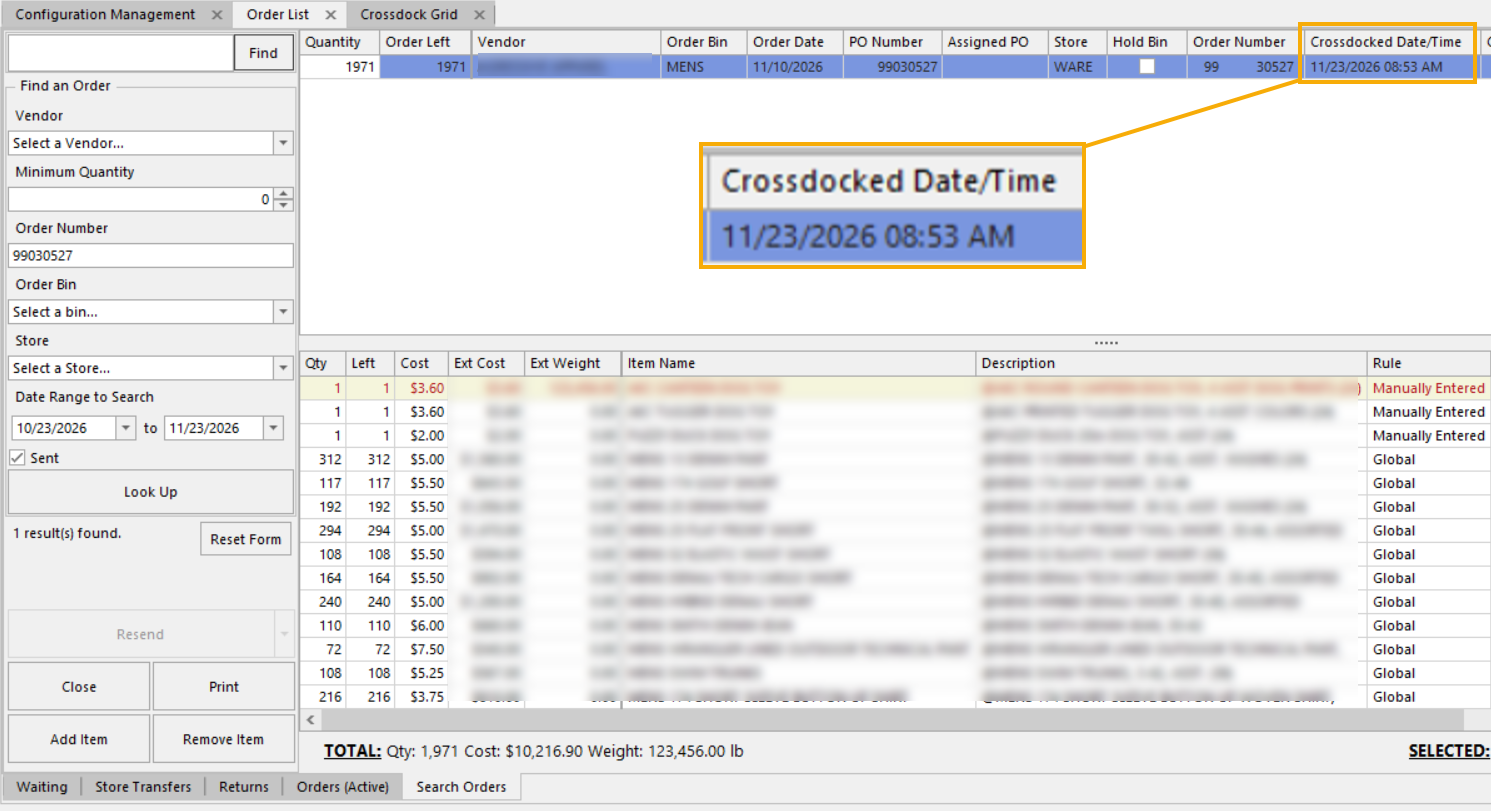
Crossdocked Date/Time on Search Orders
A new column shows when an order was crossdocked, and Inventory > Find Order gets an Open Crossdock menu. Works for any order coming into a warehouse. A location setting for grid or per-store can be set to print 1 or many labels for the outgoing received item.
Action Required
Company setting: Enable Crossdock
(Crossdock transfers already created still receive correctly when it's off.)
Location Setting: Crossdock receive bin (Stock not allocated to stores will land here)
Crossdock B Form
An alternate crossdock layout for companies with many locations and minimal variants. It shows Internal Name and UPC instead of Item Number, Color and Size, loads every open store plus the warehouse, and adds a store-group filter that changes only which stores you see.
Action Required
Company setting: Which Crossdock form should be used?
Default = Crossdock A (change to Crossdock B)
When Crossdock B opens, the user will be asked to select the target store group. 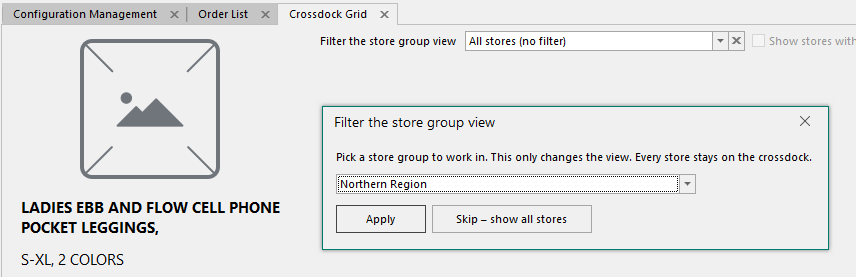
The store grid will present a column for each store in that store group, minimizing the columns that need to be populated.
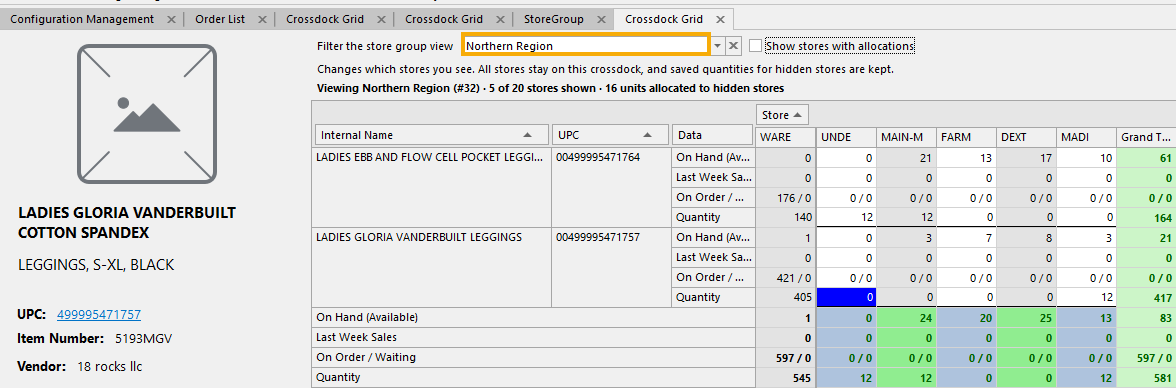
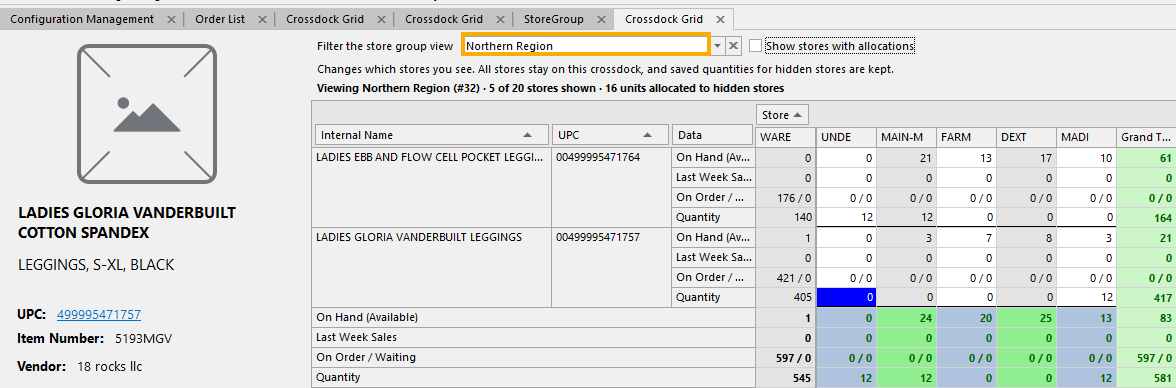
Toggling "Show stores with allocations" will add columns for any stores allocated previously, but aren't in the currently selected Store Group.
Bug Fixes
- Return from Receipt, customer credit. A Manager Override no longer turns on customer credit when "Allow Customer Credit on Returns" is off.
- Return from Receipt, cash refund. A cash payment that settles the refund now finishes the sale with the change popup. It no longer adds a "Change" line and leaves the sale open.
- Register won't start after a shutdown. FieldStack now saves a necessary file safely and recovers if it finds the file empty, so a shutdown mid-save no longer stops the register from starting.
- Long item descriptions cut off. On the transaction screen, if an item with a very long line wraps to a third line, the line will expand so the letters in the end of the description aren't tucked under the action buttons.
- Loyalty reward bag refunds. Marketplace Center: Cancelling an order that includes a redeemed free purchased bag now takes 1 bag off the open loyalty card, not 2.
- UPS Ground orders showing as Curbside. A scale reading no longer changes a UPS Ground package to Curbside in Marketplace.
- "Package not found" after re-scanning. Un-scanning and re-scanning a Marketplace item no longer leaves the order line pointing at a deleted package.
- Reprinted postage. Reprinting postage on a shipped order now voids the old label. It no longer stays active as "shipped, not delivered".
- Cost on a sent PO. Adding an item to a sent PO without typing a cost now saves the vendor or catalog cost, so the order grid matches the printed PO.
- Forecast end dates . The Forecast tab now saves end dates as a date only, so forecasts end consistently at midnight.
Was this article helpful?
That’s Great!
Thank you for your feedback
Sorry! We couldn't be helpful
Thank you for your feedback
Feedback sent
We appreciate your effort and will try to fix the article